How to Film a Holiday Greeting at Home When It’s Already Dark
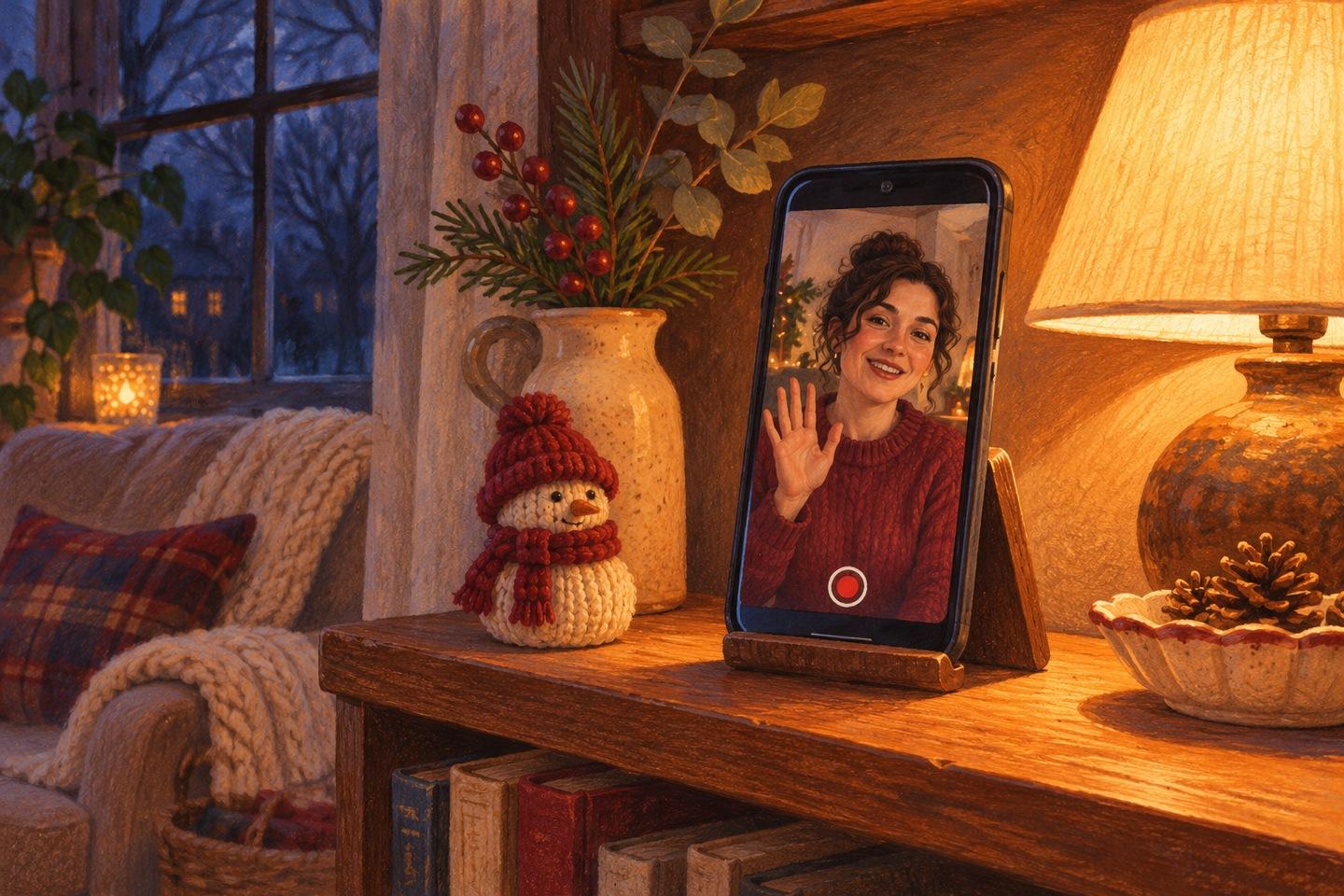
You get home after dark, prop your phone against a mug and say, “Hi, everyone.” Then you watch it back. The lamp behind you looks lovely, but your face is in shadow. From the kitchen comes the low hum of the extractor fan. Both are easier to fix before you record the whole greeting.

Start with one spot to sit and one light you can move.
Let the lamp light you
Sit somewhere comfortable and set the phone at eye level. A stack of books and a stable stand will do. If the brightest thing in the picture is the lamp behind you, try moving it slightly to one side of the phone. You want its light to fall on your face. Turn off the overhead light for one test if it casts deep shadows under your eyes. You can switch it back on if the room looks too dark.
Start with the lamp you have. If its light is harsh, try turning the lamp toward a light-colored wall so the reflected light falls on your face. Keep the bulb or the bright patch on the wall out of the shot. Play back a few seconds while sitting where you plan to speak. Look for two things: can you see both eyes, and does your face stay clear when you look up from your notes?

Place the lamp just to one side of the phone so it can light your face.
Say your first line at normal volume
Record the actual opening: “Hi, Auntie. I wish we could be at the table with you.” Listen on the phone speaker at the volume you normally use. If your voice is hard to hear over the television or fan, fix whichever noise you can control. If the room sounds hollow, try bringing the phone a little closer and check that the shot still includes your head and shoulders. Take another short test before settling in for the whole message.
If several relatives are filming separately, send one example frame and agree on whether everyone is holding their phone vertically or horizontally. A plain still usually tells them enough. To illustrate a small movement, such as leaning into the frame for the first line, you could upload a simple room sketch to Max Video AI’s image-to-video tool and ask for a short sample with a fixed camera. If you don’t have a sketch, try Flaq AI’s free video generator or AI VideoWeb’s free video generator with a written scene: “At eye level, a speaker leans slightly forward to greet the camera. Keep the camera fixed.” Treat that as a framing reference. Your own playback tells you how your lamp and phone actually perform.
Leave a second at either end
After you press record, take a breath, look at the lens and speak. Wait a beat after the last line before reaching for the phone. That gives you room to trim away the tap without clipping a word. Then watch it once at normal volume. If you can see your face and hear the whole greeting, send it.
Join the Conversation
Share Your Thoughts
Related Articles

A Small Star in a Quiet Window: A Free Image-to-Video Generator, No Signup Required
A single paper star can give a quiet window a small moment of movement. This illustrated guide plans one gentle left-to-right swing, explains how to prepare compatible images and shows what to inspect
Let the Snow Fall a Little Longer in That Photo — A Free Image-to-Video Generator, No Signup Required
Give a snowy photo a little more time: prepare two matching frames, write a prompt for a few falling flakes, and check that the street stays still before adding your own words.

Two Palettes, One Picture: A Free Image-to-Video Colour Comparison
A coral market stall becomes a cool blue one without a single flag changing position. This design note separates a useful palette comparison from its animated presentation, with matched inputs, a focu